
One: establish a pulse
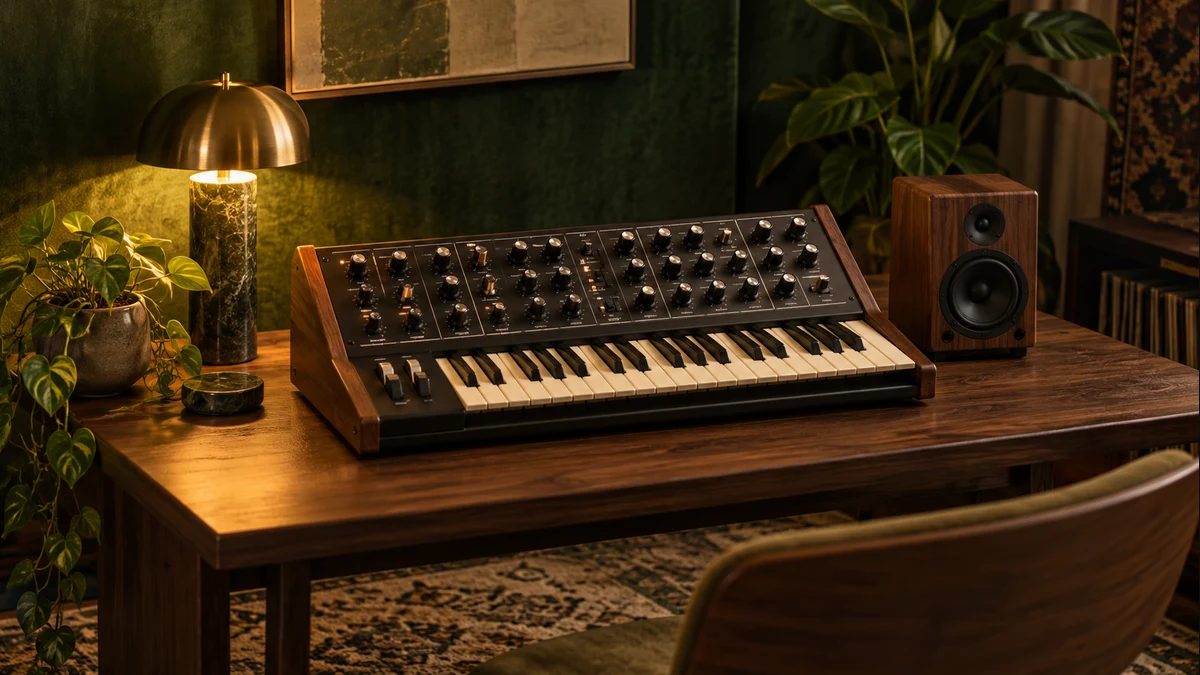
Start with a comfortable tempo and a single kick sound. Add a quiet offbeat hat if you need a clearer sense of movement. Listen for a full minute before adding more. The purpose of this stage is to decide what the listener will treat as the foundation. A strong foundation can be simple. If you are using our Synth Lab, begin with a moderate Pulse intensity so you can hear the role of the other controls.
Two: let the bass answer
Write a short bass phrase using one or two notes. Place some notes between the kicks and adjust their lengths until the two parts feel distinct. If everything arrives together, the low end may feel heavy but lack movement. If the bass is too busy, remove alternate notes and listen again. Change timing before changing the sound. A useful relationship can survive several different timbres, which makes it easier to evaluate the actual musical idea.
Three: choose a harmonic color
Add a simple chord or a small melodic motif. Decide whether it should be a foreground feature or a background texture. Foreground parts usually need room around them; background parts can be less sharply defined. Use one sound first and explore its register. Moving a phrase up an octave is a bigger creative change than scrolling through a long preset list without a clear purpose. Save a version when you find a combination that feels coherent.
Four: make one meaningful change
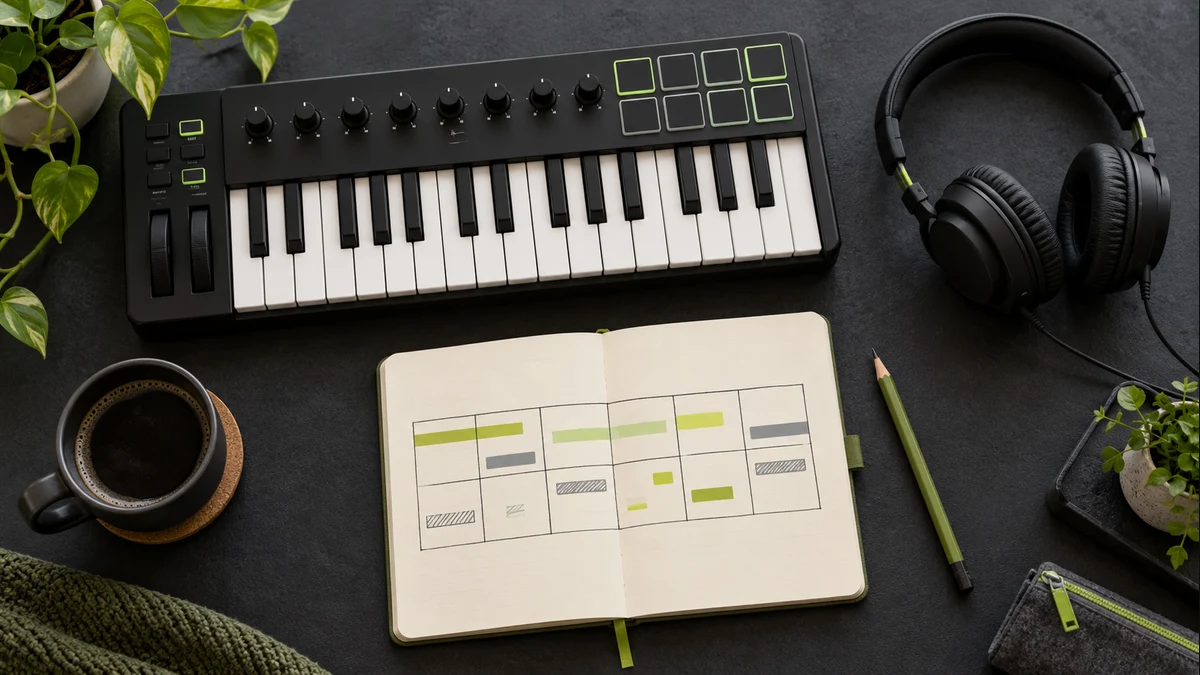
Duplicate your phrase and alter only one property in the second half. Open the filter, remove the kick, raise one melodic note or introduce a hat. Listen to the boundary between the halves. Does the change feel intentional, or simply different? A deliberate contrast gives a short loop a direction. You can repeat this process later, but a first sketch benefits from having one clear event rather than many unfinished ideas.
Review before expanding
Listen at a lower level and on a second playback system if available. Make notes about timing, clarity and the part you remember afterward. Do not judge a short sketch against a mastered commercial release. They are at different stages and serve different purposes. Our browser-generated studies are educational examples with intentionally limited arrangements. Use them to explore relationships, then take the ideas you enjoy into the music-making tools you already have.
Further exploration
For a technical explanation of browser sound generation, see the MDN Web Audio API documentation. These field notes are practical listening exercises, not a comprehensive history or rigid definition of a genre.
Technical background
- Ableton Learning Music: song structure — Combining musical parts into a form.
- Ableton Live manual: Arrangement View — Arranging clips on a linear timeline.
Original 51ROUSI editorial content. How we write and review · Suggest a correction